Filed under: Uncategorized | Tags: advertising, branding, design, flyers, posters, print advertising
It’s every garage band’s dream to make it big. And today, with music mixing software and some studio time, you can create your own demo CD and market yourself to the world!
There are plenty of bands who have managers who book the dates and do their marketing. But when times are tough and there’s no official management, band members need to be able to wear a lot of different hats – including the one with “Manager” embroidered across the brim.
But whether you are employing a manager or doing it yourself, one of the very best tools available for marketing and promoting a band is the press kit. A press kit is by far the most professional way to introduce your band to a potential venue.
What few bands realize is the importance of working with a professional printing firm. Almost every element of your press kit will need to be professionally printed. As you read through these press kit essentials, think about how best to promote your brand – and your band – with colorful graphics and catchy lingo.
Press Kit Essentials
Make sure your press kit includes the following:
- Business card – This gives your customer an easy tool to find your contact information when they’re ready to call you.
- 8 x 10 glossy photo – Your customers want to know what they’re getting, so send them an 8 x 10 glossy photo so they can see what you look like. For a personal touch, sign it and mention the name of the venue – a very cool touch that begs your photo to be posted on the venue’s “Wall of Fame.”
- Artist Bios – Make sure to include an artist biography that tells a little about the history of your music or your band. Make sure that the section also includes some references from other venues, if at all possible.
- Press Release – Many venue owners would gladly submit a press release about an artist that they will be featuring at their venue. Often, they do not have the time to write one of their own, so include a press release to make their job easier.
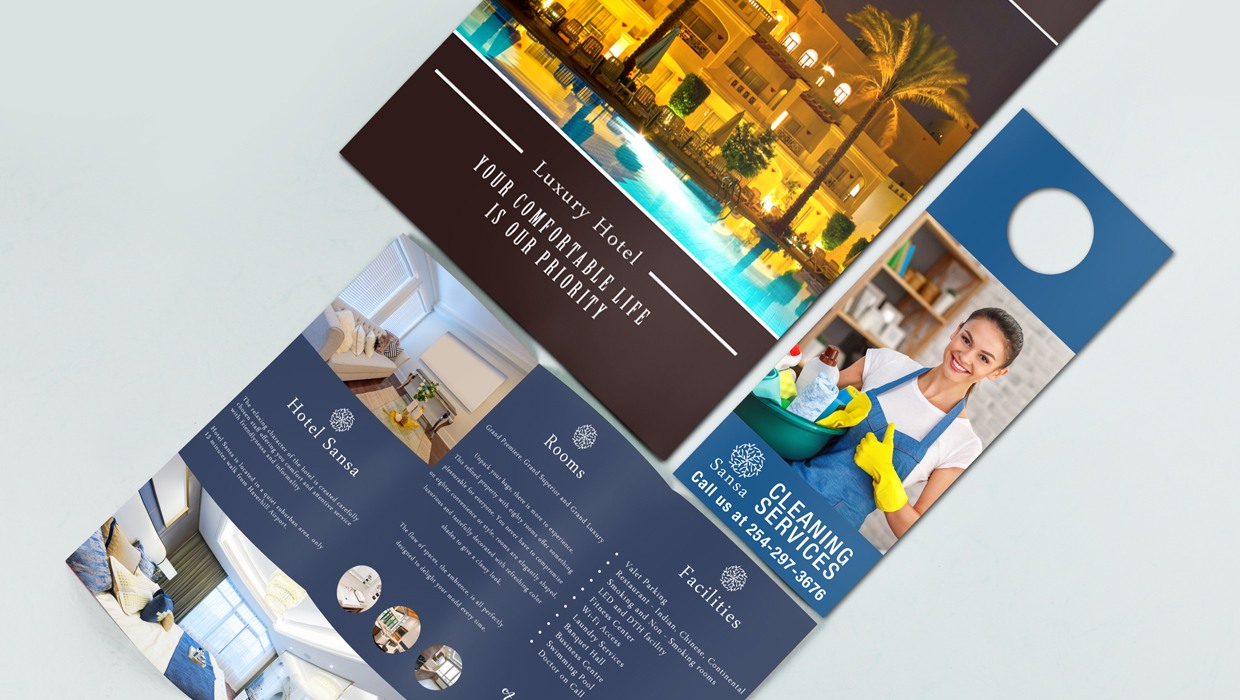
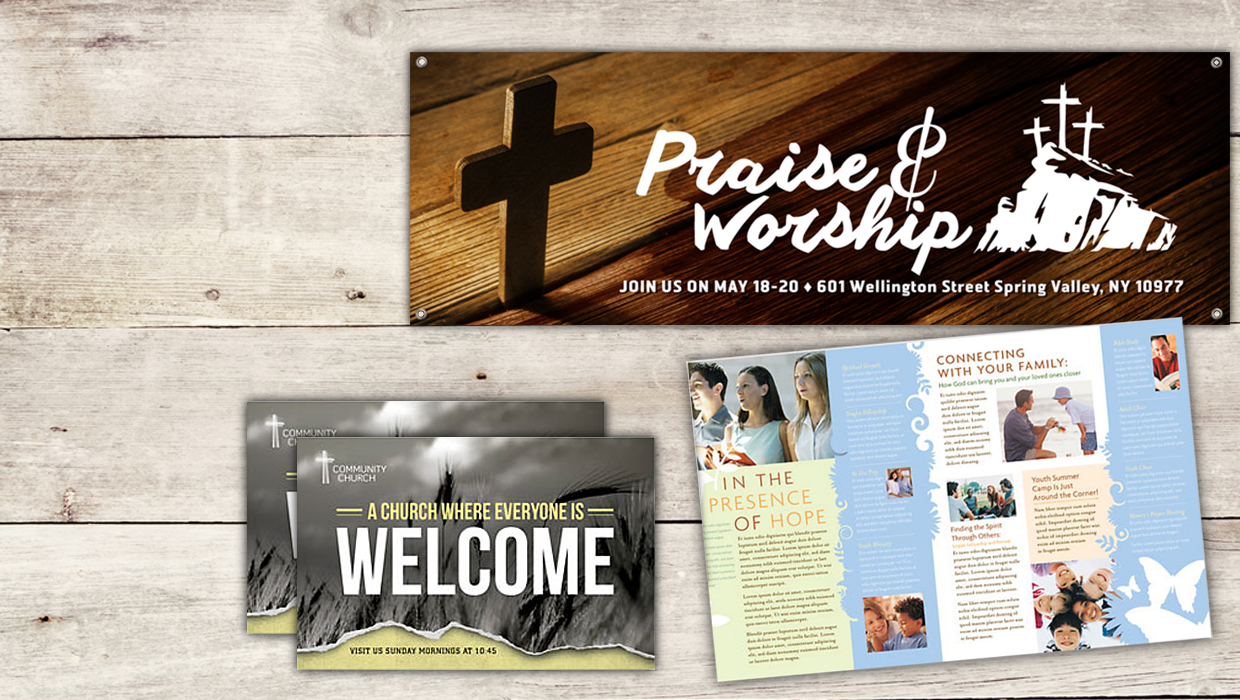
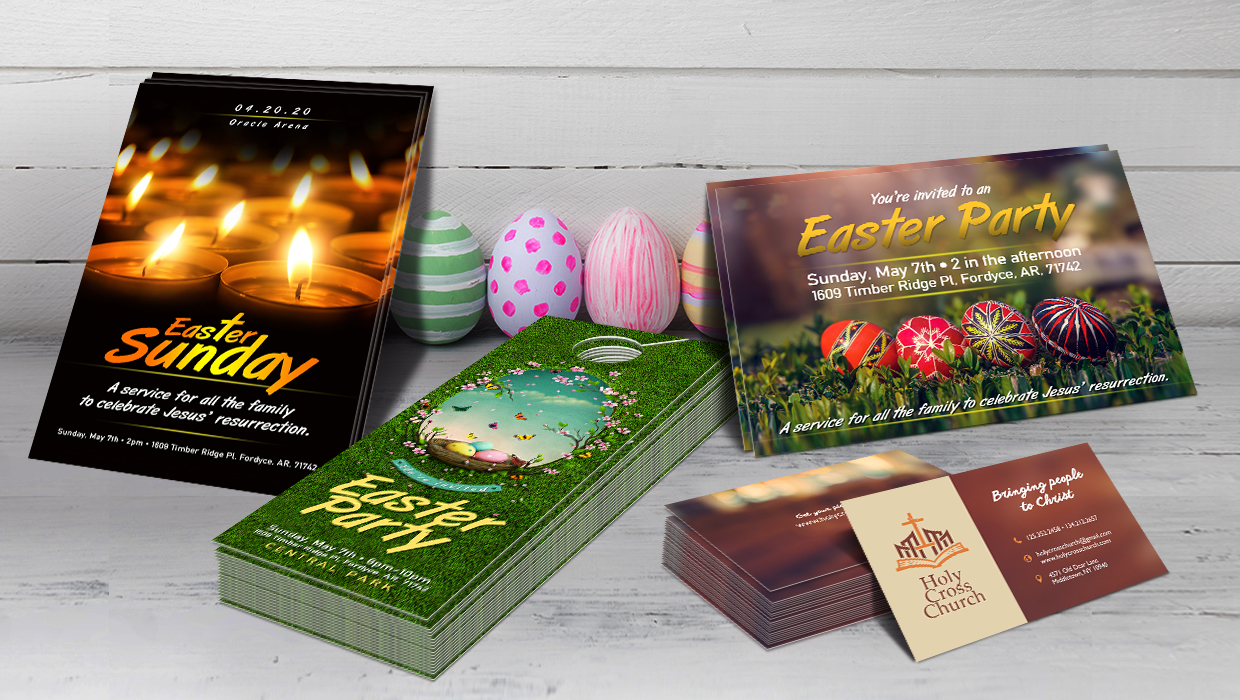
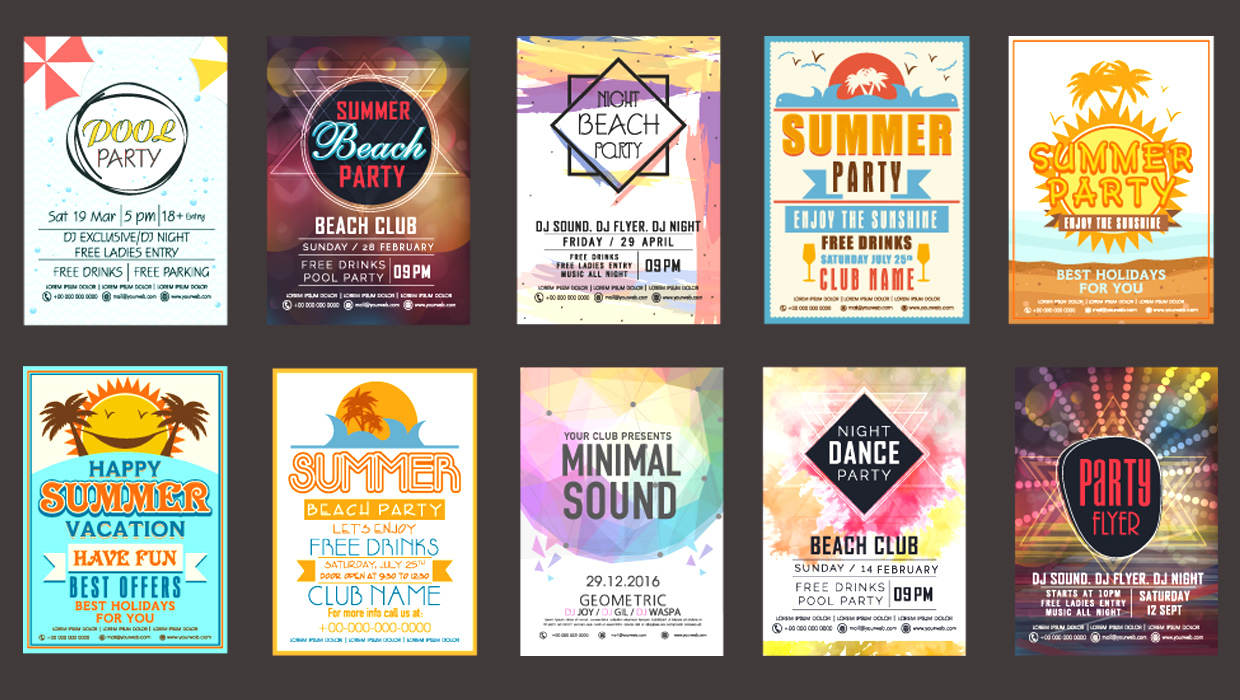
- Posters and Flyers – While many venue owners have their own network for advertising, be sure to include some free posters and flyers where dates and times can be filled in. Besides, wouldn’t you rather have quality posters advertising your show rather than something someone put together in 5 minutes on a word processor program?
- A copy of your CD –You should always include your CDs so the owner can listen to your music. Many artists have begun to print CDs that are only for promotions and press kits. Don’t forget the CD liner notes! Professionally printed liner notes make you look like a major player.
- Presentation Folder – Finally, you need a professional folder to fit the entire press kit into. Make sure to at least put your mailing address, logo, and band name on the folder. Some artists are even printing full color folders to grab the venue owner’s attention.
As you can see, nearly every part of the press kit includes printed materials. So find a quality online printing firm – like PrintPlace.com - that can complete your project in a cost-effective-yet- professional manner – and ensure that your press kit is appropriate for venue owners.
Filed under: Printing Help | Tags: advertising, design, flyers, marketing, printing
Flyers are one of the most cost-effective marketing techniques you can use. But for them to be effective, they need to be well designed and well written. Here are some pointers for creating effective flyers:
Start off with a benefits-laden headline. Your headline will be the first, and could possibly, be the only thing a prospect will read when seeing your flyer. Pick words that will stand out and tell the reader how your product or service will benefit them. Some magic words include: easy, secret, unlock, free, how to, discover and proven. There are plenty more magic words that draw people in, but you get the idea.
You should address the reader personally, and tend to their needs, not yours. This means your flyer text should focus on the reader and his needs, not yours. Use “you” and “your” instead of “we” and “us.” Make the flyer about the reader, not about you. Use some magic words along with “you” and you’ve got a pretty good chance of someone reading your entire flyer!
Use complementary colors. Use colors that don’t contrast, like pink and red. Complementary colors are opposite each other on the color wheel. (Google “color wheel” to see some examples.) Red and green are complementary. Blue and orange are complementary. Basically, don’t pair colors that are next to each other on the color wheel and you’ll be fine.
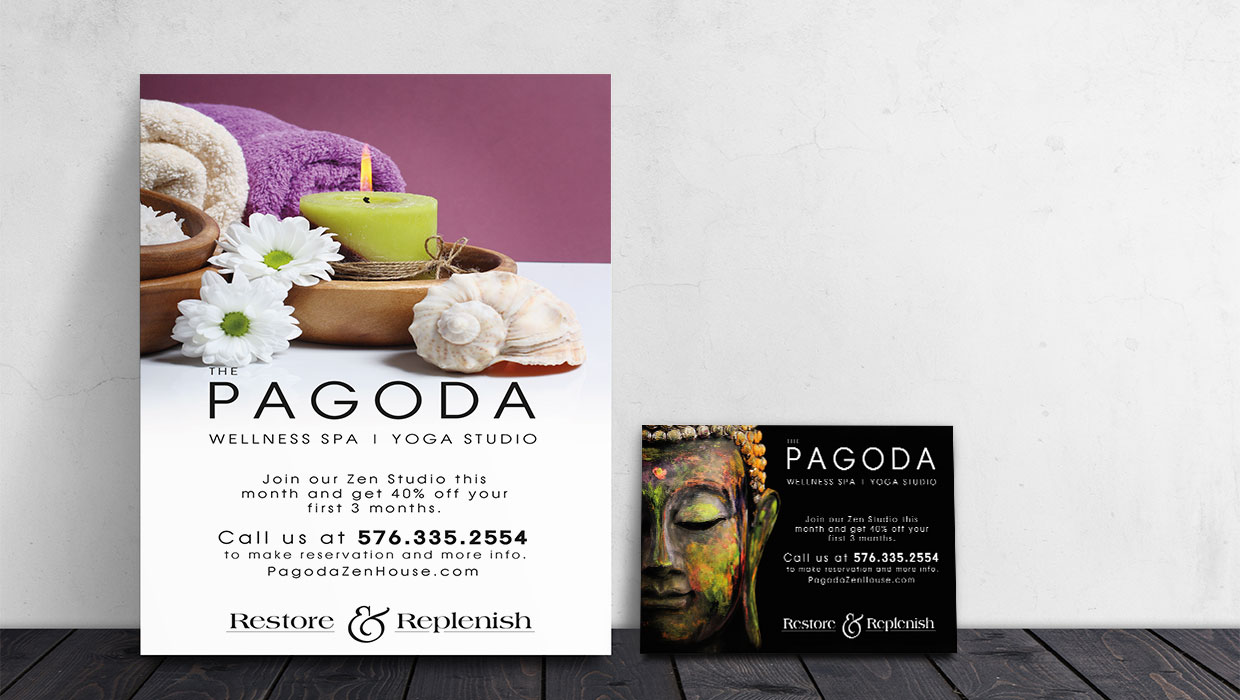
Use colors that bring out your message. If you’re trying to promote a spa where people can come in for a free 15-minute massage, using bright pink and neon green isn’t going to emanate that relaxing feeling. For a spa, you’d want to stick to relaxing baby blues, light grays or pastel colors. For a flyer for an edgy night club, you’d want to use black and perhaps a shock of bright orange and a bright blue. Colors make people feel a certain way. Pick the right color for your message.
Feature testimonials. When people can vouch for you and your product, that brings another level of credibility to your brand. People will believe what other people say about you quicker than they’ll believe what you say about you. Ask satisfied customers for endorsements and make sure to get a full name and location. T.W. from Indiana doesn’t look as authentic as Tim Whitley from Indianapolis, Indiana.
Don’t overdo the design. White space is your friend. White space refers to the space of your flyer that isn’t covered by design, image or text. Don’t try to cram every square inch of your flyer with information – it will become cluttered and hard to read. No one will want to take the effort to try to sift through all that design to find out what’s important.
Lastly, as a bonus tip, you need to proofread! Oh, and did I mention proofread!? Yeah, it’s that important that it bears repeating. Try to get someone to proofread your flyer for you (if you wrote it) or proofread the flyer yourself if someone else wrote and designed it. Make sure all the contact information is correct – correct telephone number, address, etc. You wouldn’t want an extra “o” in 555-BOBS, right? Not only would that be an extra number, but well, I won’t even go there! Proofread!
Filed under: Printing Help | Tags: brochures, flyers, graphic design, marketing, print advertising, printing, small business
One of the many challenges facing small businesses today is effective advertising. Many small businesses don’t make marketing budgets a priority; if they do, it is not typically considered a large part of the overall annual expenditures. Word of mouth is free, but can also be slow, tedious and a bit of a gamble for a new business. With that in mind, there are several tried and true options available that enable a small business to get the recognition and promotion they need for success – without breaking the bank.
First, consider your business and the industry to which you are connected. What do you offer that no other business in your industry can deliver? What are your benefits? What’s in it for the customer? Research has proven that two out of three ads are ignored by consumers. Furthermore, it takes getting an ad in front of a prospective customer nine times before they actually remember your product. With those types of odds, consider concentrating your advertising in one medium at a time and give each one a chance to work. This will keep you from spreading yourself – and your budget – too thin, too fast.
Among the affordable options available to small businesses are yellow pages advertising, newspaper and radio. Some of these options may be more expensive than others, so to get the biggest bang for your buck, purchase the largest advertising space you can afford in each of these mediums. Other options that might be considered more unique:
Partner with local retail establishments
Whether a fast food chain or a discount chain, work with the management staff of a local retail outlet to include advertising leaflets in their “to go” orders or merchandise bags. This is a low cost option that has far reaching potential in your immediate area.
“Big screen” advertising
Contact your local movie theaters to get your ad included in their preview advertising. Many local businesses take advantage of this option to get their business name in front of hundreds of people each day, usually in multiple theater locations. Consider including an advertising flyer or coupon as an additional marketing piece at the theater’s concession or guest services area. Full color flyer printing is typically very affordable and can give you a great deal of impact for not a lot of expense.
Direct mail
While slightly more expensive than the aforementioned campaigns, direct mail postcards are another possible advertising option for small businesses. The majority of the expense surrounding direct mail is the cost of postage, so keep your mailing list clean and concise. Postcard printing can be purchased from many local or online printing companies for pennies on the dollar. With the right design and a mailing list that adequately covers your desired geographic market, direct mail postcards are generally much more favorably received than other direct marketing attempts, such as telemarketing or door to door soliciting.
From the yellow pages to the Internet, the marketing options available to small business are plentiful. Find the one that works best for your business and watch your revenues grow!
Filed under: Printing Help | Tags: bleeds, business cards, file preparation, flyers, guidelines, orientation, postcards, prepress, printing, templates
You know the drill -
you get your files set up just right; fonts embedded and/or converted to outlines – check;
color settings correct – check;
folding dummy shows front & back correctly aligned – check.
Then you upload it to your chosen online printer and send it to press . . . only to have it come back to you with the inside of the card upside down.
What did you do wrong?? You made your list & checked it twice, right? Sure – but did you check your layout against your printing company’s guidelines? Do they print work & turn or head to head? There’s a big difference.
That’s where this article comes in.
Most commercial and online printers use what is called a “gang run” method. This simply means that several items are laid out on a 28” x 40” press sheet and printed at the same time. This allows printers to save money, which is generally then passed along to the consumer. It’s the method your printer chooses for printing the second side of that press sheet that affects how you set up your artwork.
The most commonly used methods of “four over four” printing (full color on both sides) are referred to as “work and turn” and “head to head”. In the work & turn method, both sides of a double sided print order are laid out on one side of a press sheet. This would allow the printer to turn the sheets over, once they are dry, and run them through the press a second time, exactly the same way, on the opposite side of the sheet, “backing up the job” without changing plates. The same plates would print the back of the sheet, creating four copies (called “four-out” or “four-up”) prior to cutting and folding.
The head to head method uses two plates – one for the front images, one for the back images. The head of a page is defined by the top of the rendered proof and the bottom is called the foot. Once the front side is printed & dry, your printer can change plates, turn the stack of press sheets over, and print the opposite side of the sheet (the back of the job), then trim down the stack of paper to produce four finished pieces from each press sheet.
When working with an online printer, you are faced with the additional challenge of not seeing your finished product until the entire quantity is printed. For this reason, it is imperative that you check the printer’s policies regarding which method they use. If it isn’t listed somewhere on their website – call their customer service department and ask! Once you’ve determined the method of printing that will be used, you can confidently proceed with your artwork set-up.
If your printer is using the work & turn method, no special set-up is necessary. The alignment of your document will be up to the printer. However, if your printer is using a head to head method, these guidelines will assist you in ensuring a correct finished product.
For this example, we will be using a folded business card. These methods worth the same way for anything with a single fold – greeting cards, brochures, newsletters, flyers, etc. If your set-up is vertical (fold on the left, like a book), the set-up is fairly simple. Notice the orientation of the text in this format. This is very important!!
However, if you are folding your artwork at the top, the layout requires a bit more thought. First, be sure your artwork is set up like so:
Filed under: Printing Help | Tags: brochures, catalogs, desktop, file preparation guidelines, flyers, prepress checklist, printers, printing
In the online printing business, one of the most frequent subjects of discussion is that of file preparation and file transfer. Therefore, we hope to address the most commonly asked questions in this series of articles, to assist online print buyers in better preparing their files for printing. Before you know it, you’ll be creating stellar color brochures, color flyers and even full-color catalogs in the blink of an eye!
In the first of this three part series, we will address color settings – which ones to use, which ones to avoid and how to know the difference.
What is RGB?
RGB stands for Red, Green and Blue. These colors are used for digital cameras, scanners, computer monitors and TV screens. When combined RGB creates white as they are the additive colors of light. Files must be converted from RGB to CMYK if printing on a printing press.
Changing from RGB to CMYK will always produce some color shifting and a reduction in the color gamut because it is impossible to reproduce the entire RGB color palette with an offset press. It is highly recommend that you create and submit your document in CMYK to assure the color looks as close to your original file as possible.
What is CMYK?
CMYK stands for Cyan, Magenta, Yellow and Black and are used in the offset printing process. Printing with these four colors is often referred to as full color or 4-color printing. CMYK are subtractive colors and create black when combined. Any file that is printed on a printing press must be converted to CMYK.
If you are using black in any extensive solid area, you will want to create what is called a “Rich Black” – 60% Cyan, 40% Magenta, 40% Yellow and 100% Black (K). This will give you a deep rich black. However, do not use the rich black color mix on text. Black text should always be printed at 100% black (K).
What should I know about viewing files on my monitor?
You might notice that the colors on your printed piece may not exactly match the colors you see on the monitor. The age and or calibration of your monitor can determine monitor colors compared to the final printed colors. Also, the conversion from an RGB file to a CMYK file will alter the appearance of colors (See RGB and CMYK colors, above). If color is crucial to your final output, order a hard copy proof from your chosen online printer. This will ensure the look of your finished product before the order is completed, giving you the opportunity to make any necessary changes before the final printing.
Join us for our next installment, where we will discuss ways to convert your document to CMYK in various programs. We will also address the best resolution to use to achieve optimum results.